Approved content only
Parents approve all content creators.

Never wonder what your child is watching
A streaming app where you approve every channel. No algorithm. No fear. Just the videos you’ve said yes to.
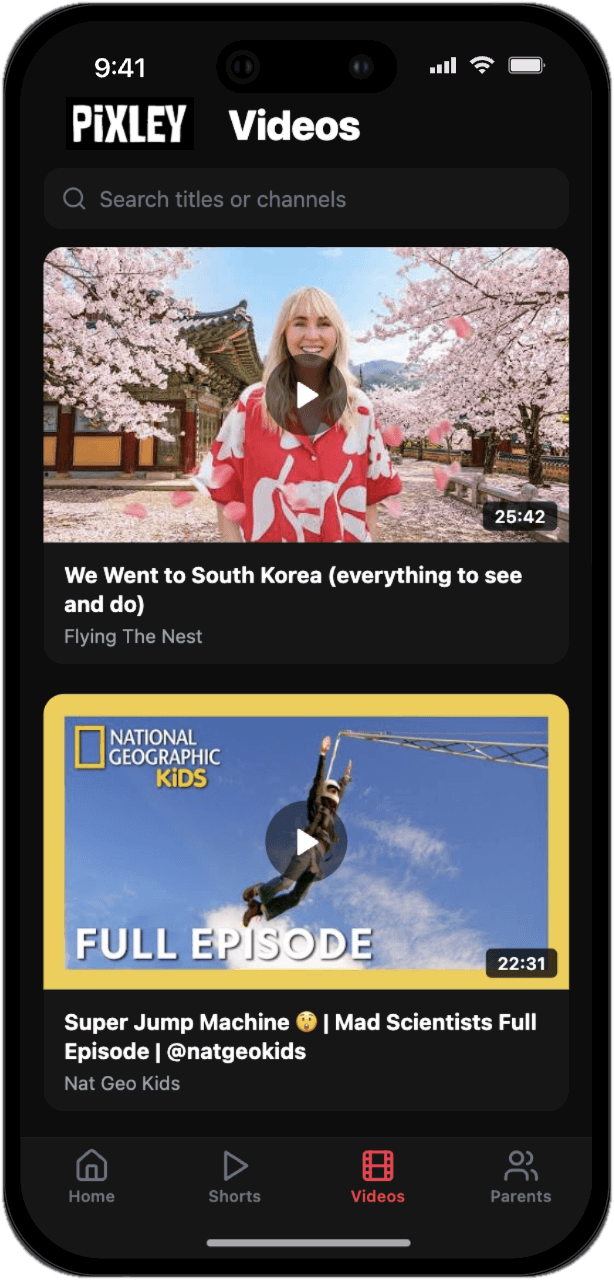
Parents approve all content creators.
Set time limits for Videos and Shorts, or turn Shorts off all together.
Switch YouTube Shorts off entirely. Leave only the long-form videos you’ve approved.
A calm, kid-safe streaming app where every channel was chosen by you.
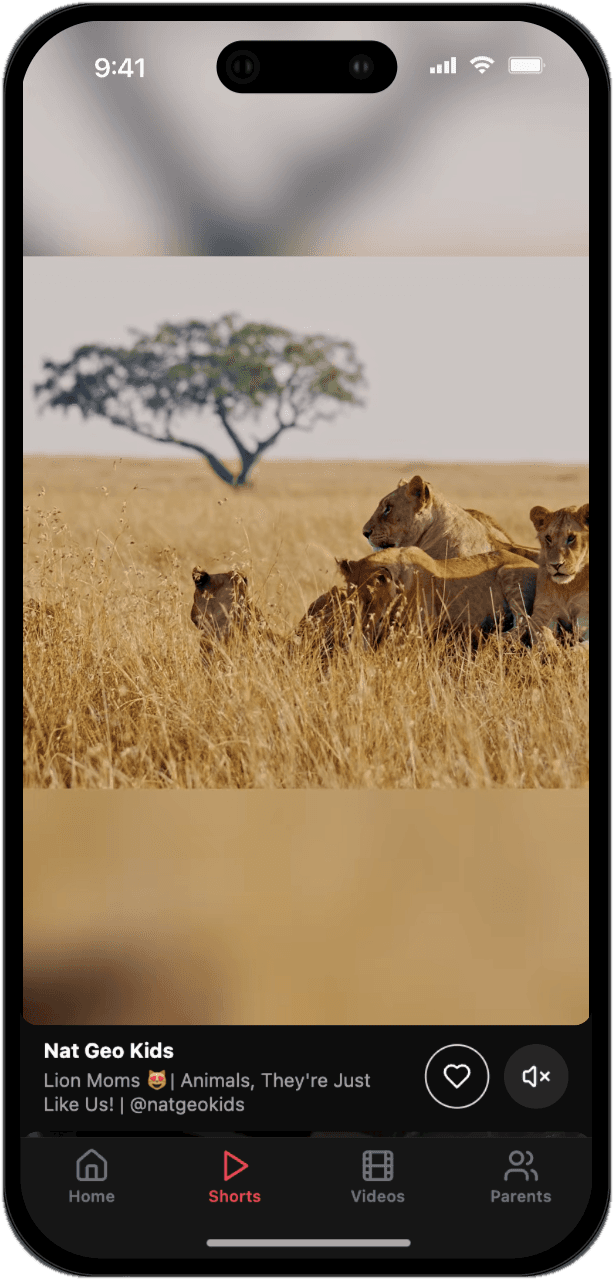
Kid-safe Shorts
Only creators you’ve approved
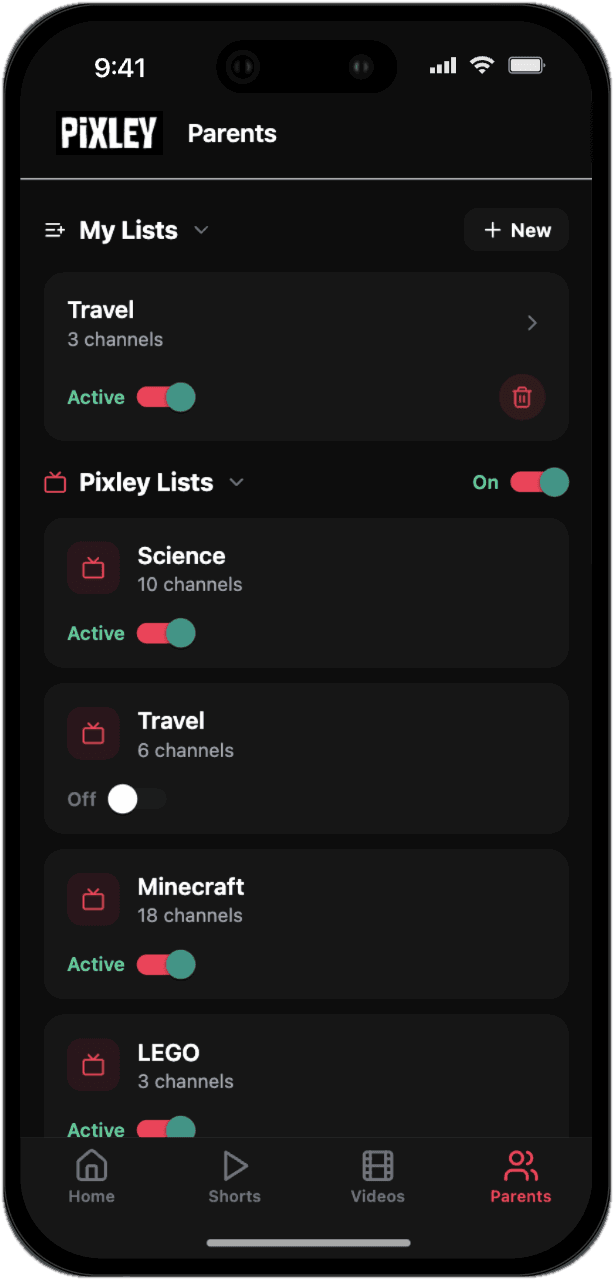
Curated lists
Use Pixley’s Lists, create your own, toggle categories on and off.
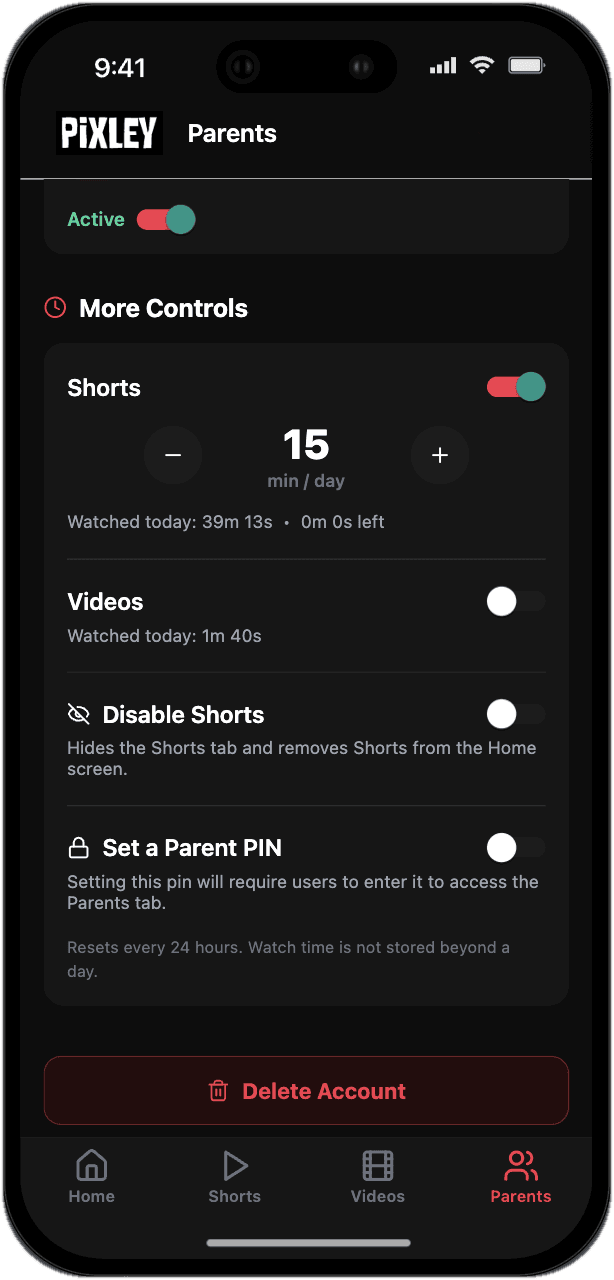
Daily time limits
Set a Shorts cap and a parent PIN
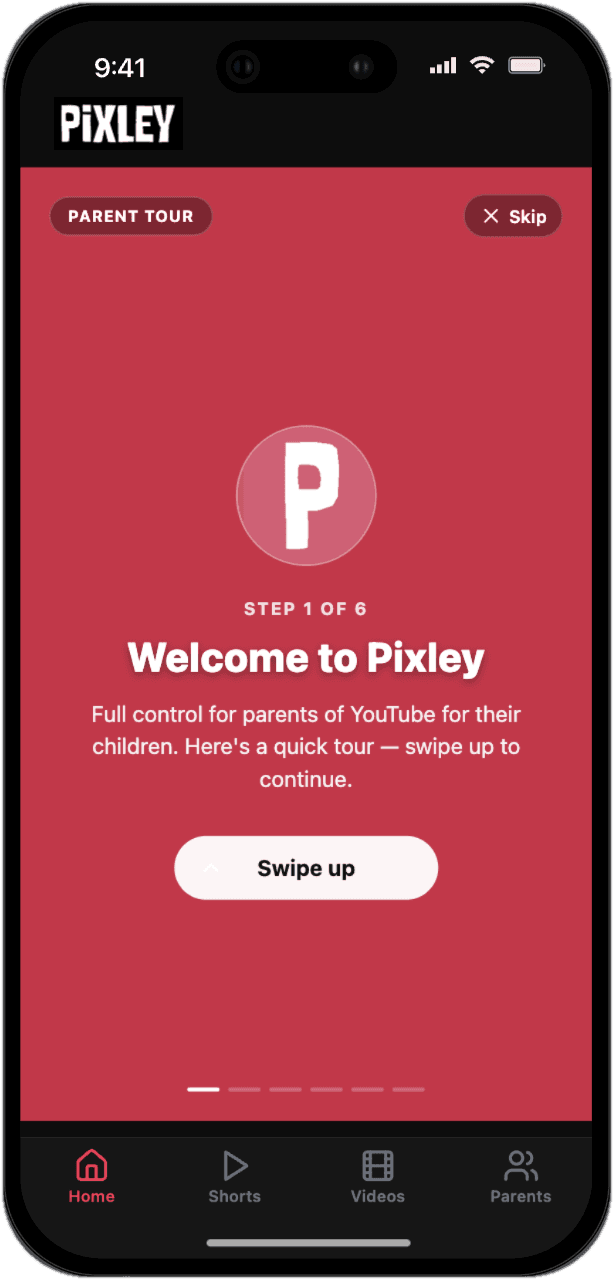
Quick parent tour
Set up in minutes
Where the parent controls the content